


Home HD Monitoring Wireless Wifi Mobile Phone Remote
⭐⭐⭐⭐⭐ Rated 4.8/5 by Thousands of Happy Customers

Ordered
Jan 14

Shipped
Jan 15

Delivered
Jan 17
Product material:
Material: ABS
Details:
Horizontal resolution :1080P
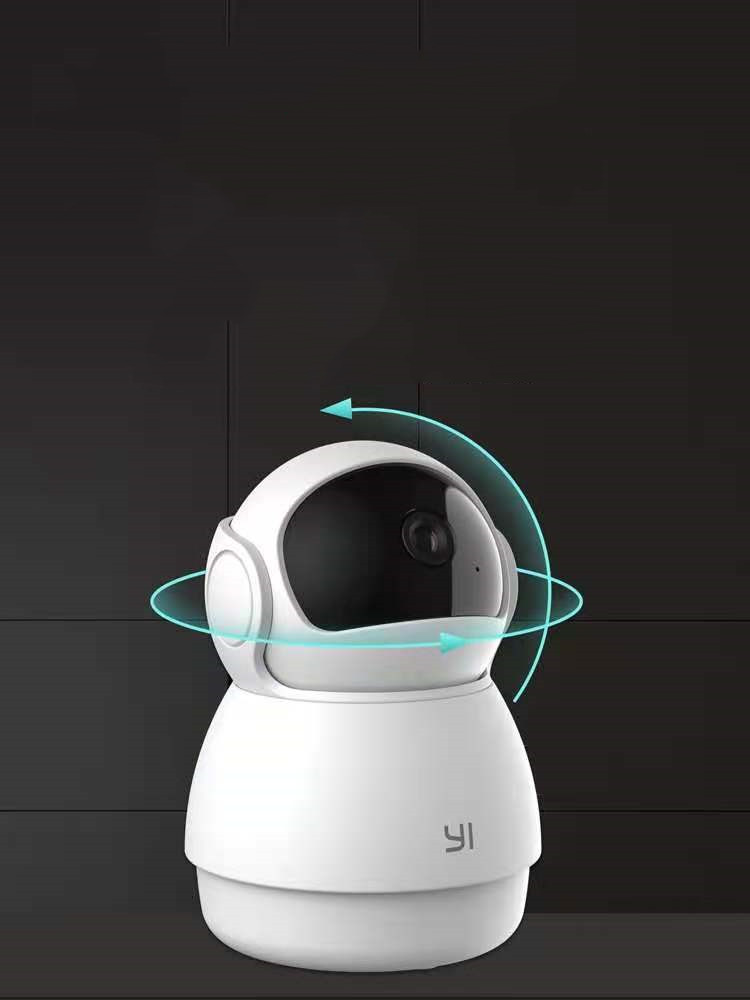
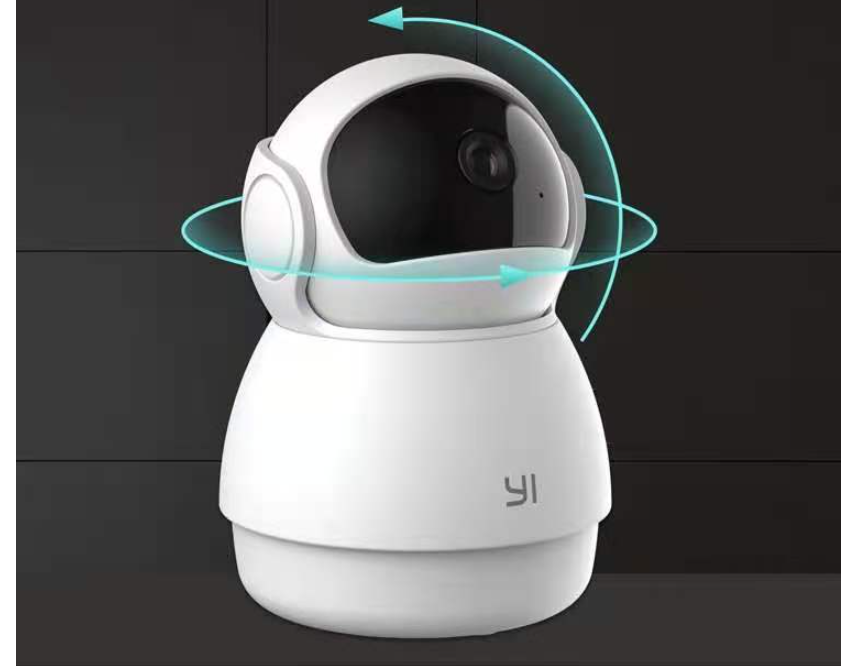
Function: panoramic monitoring, intelligent tracking, infrared night vision
Setting up your camera with the YI Home app
1. Install the YI home app and create a YI home account
2. Turn on your camera and click the icon on the top right corner of YI HOME app to add your camera
3. Select your Wi-Fi network and enter your Wi-Fi password, then select Connect to Wi-Fi
4.Scan the QR Code displayed on the app and then select next after the QR Code has scanned
5. Select save, then select start using to complete the pairing.
6. If the connection fails, press the reset button and try again.
Wi-Fi settings
1. YI home cameras will need to connect to a 2.4GHz band network. 5GHz WiFi band is not supported
2. Activate the location service on the phone if you encounter an unknown SSID problem
3. Encryption mode must be set to WPA / WPA2 (mixed mode) or WPA2
4. Your Wi-Fi password must be 8 to 20 characters long
Packing list
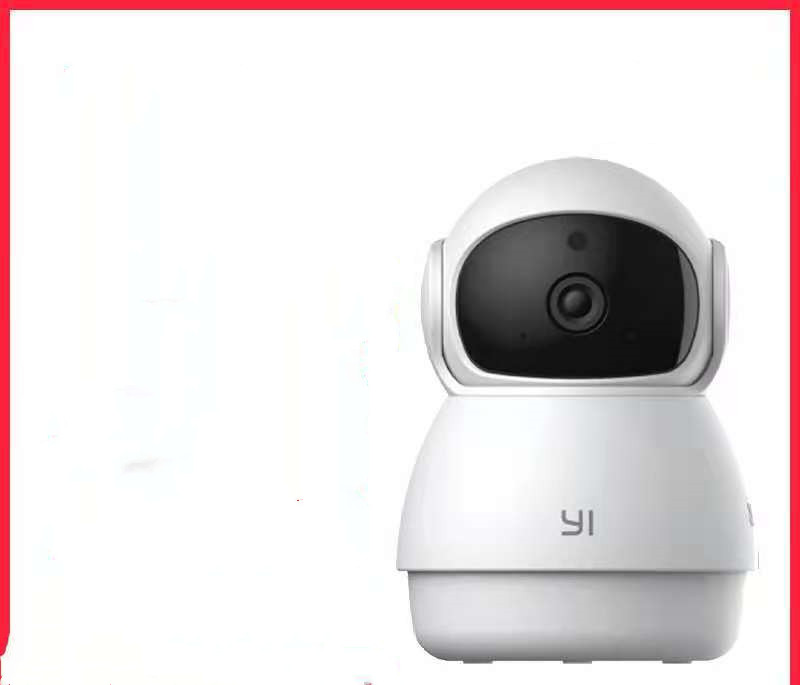
Camera X1
500,000+
CUSTOMERS
97%
SUCCESS
3,000+
5★ REVIEWS
Customer Reviews
See what our customers are saying
"Absolutely love this product! The quality exceeded my expectations."
"Fast shipping and excellent customer service. Will definitely buy again!"
"Great value for money. Very satisfied with my purchase."
""Best online shopping experience, I will definitely shop again.""
""The packaging was excellent, and the product arrived in perfect condition. Thank you!""
Frequently Asked Questions
Yes, we offer Cash on Delivery (COD) on selected locations and products.
We offer easy returns and exchanges within the specified return period. Please refer to our return policy page for details.
You can request order cancellation or changes before the order is shipped by contacting our support team.
You can contact us via email, live chat, or WhatsApp. Our support team is available 24/7.